
RooflineR
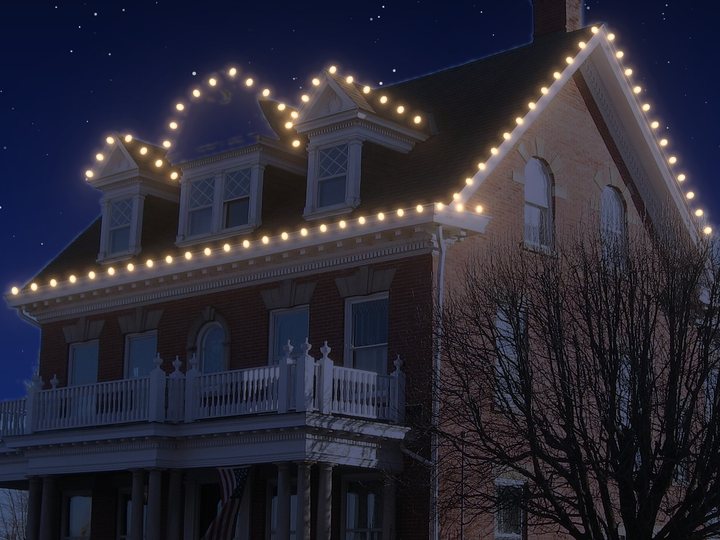
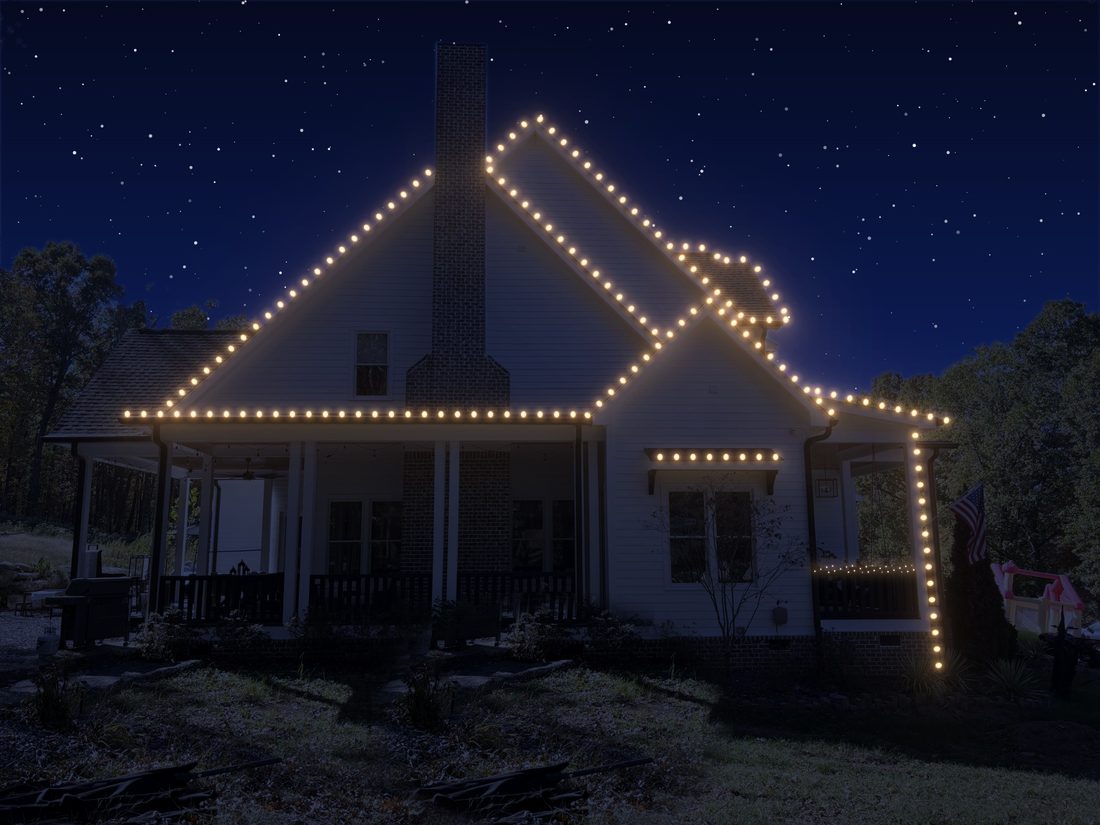
Click along the roof edge, a point at each corner and peak. C9s follow every gable and dormer.
Per footRooflit turns a photo of the house into a Christmas light mockup and a priced quote, with your logo, in minutes.
$50/month after the trial, or $500/year. Cancel anytime.
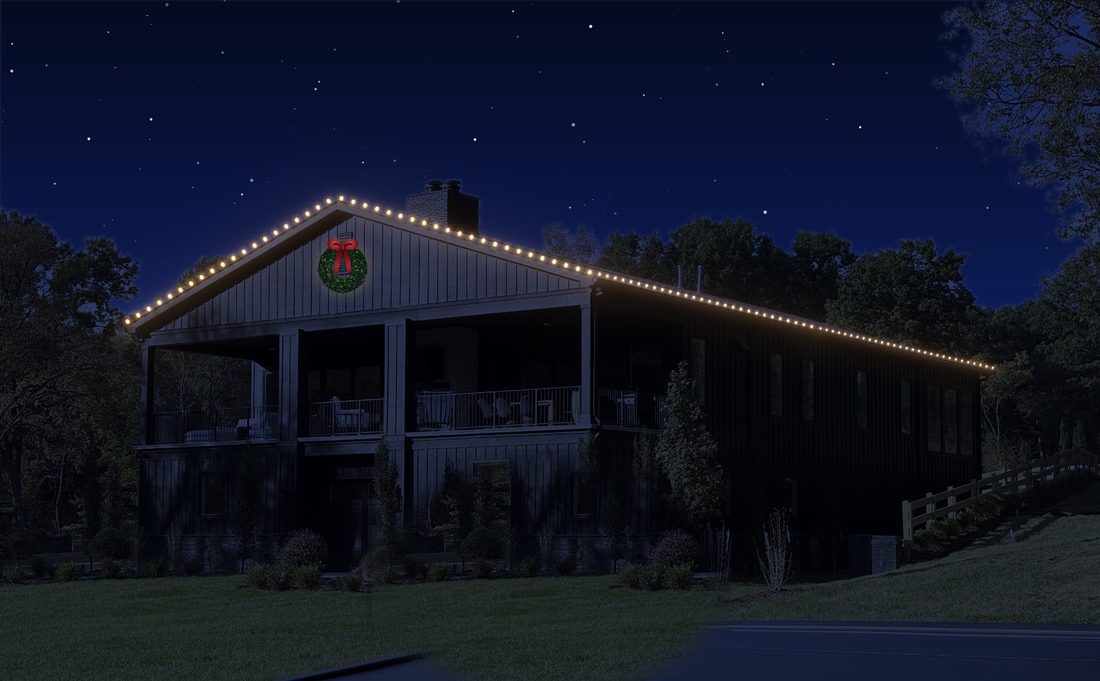
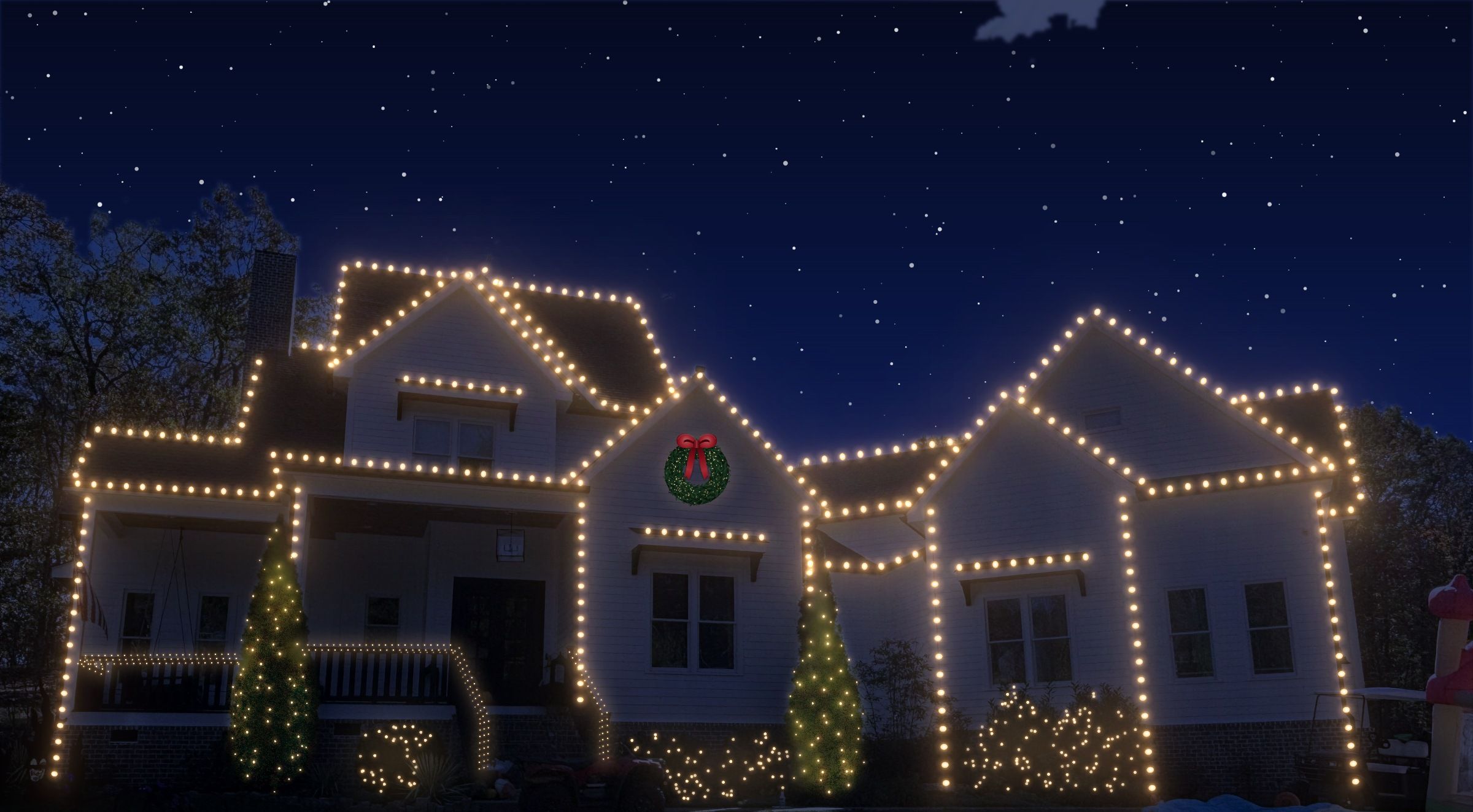 Mockup made in Rooflit
A price on paper is easy to put off. A picture of their own home, lit the way you'd do it, with the total next to it, is easy to say yes to.
How it works
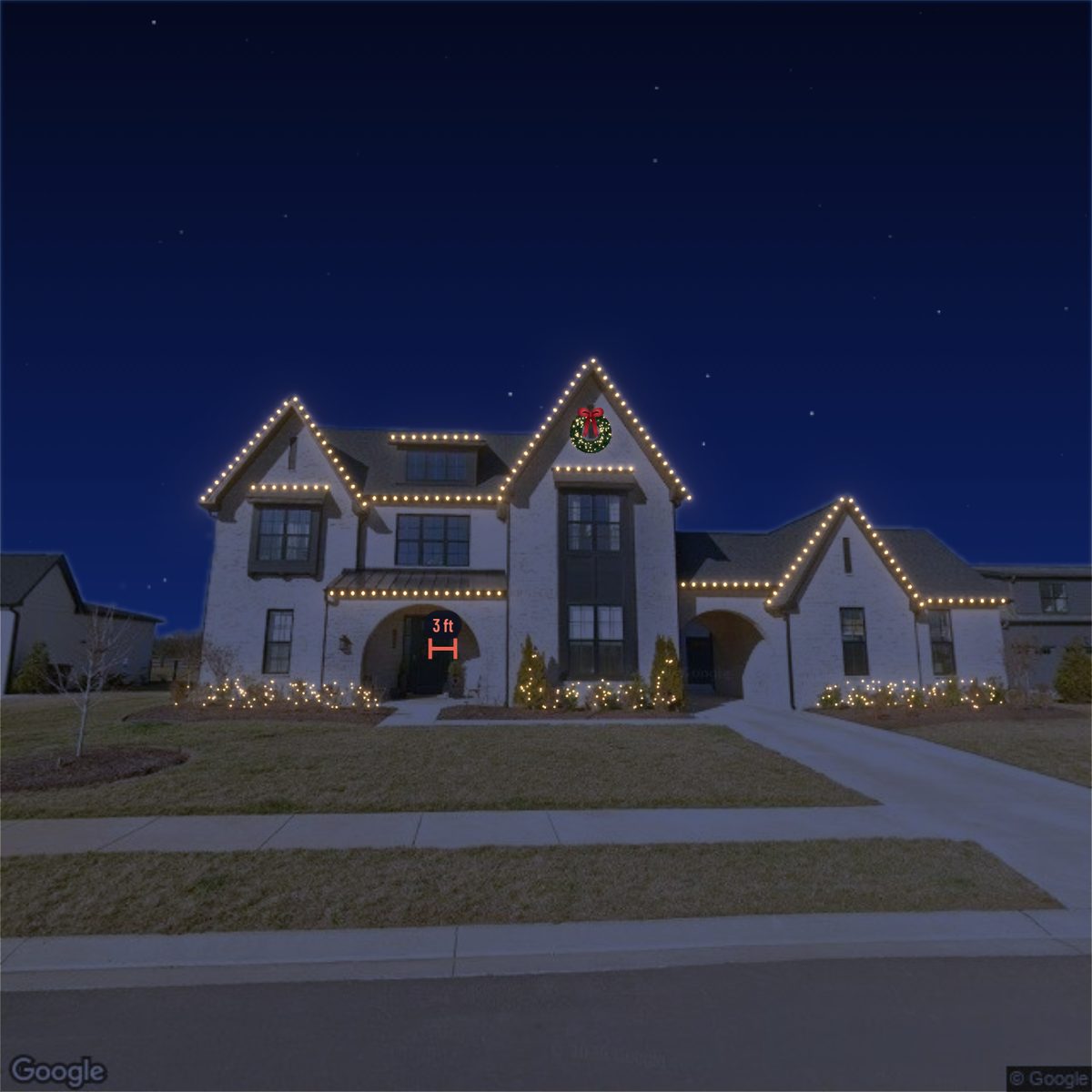 PhotoMockup
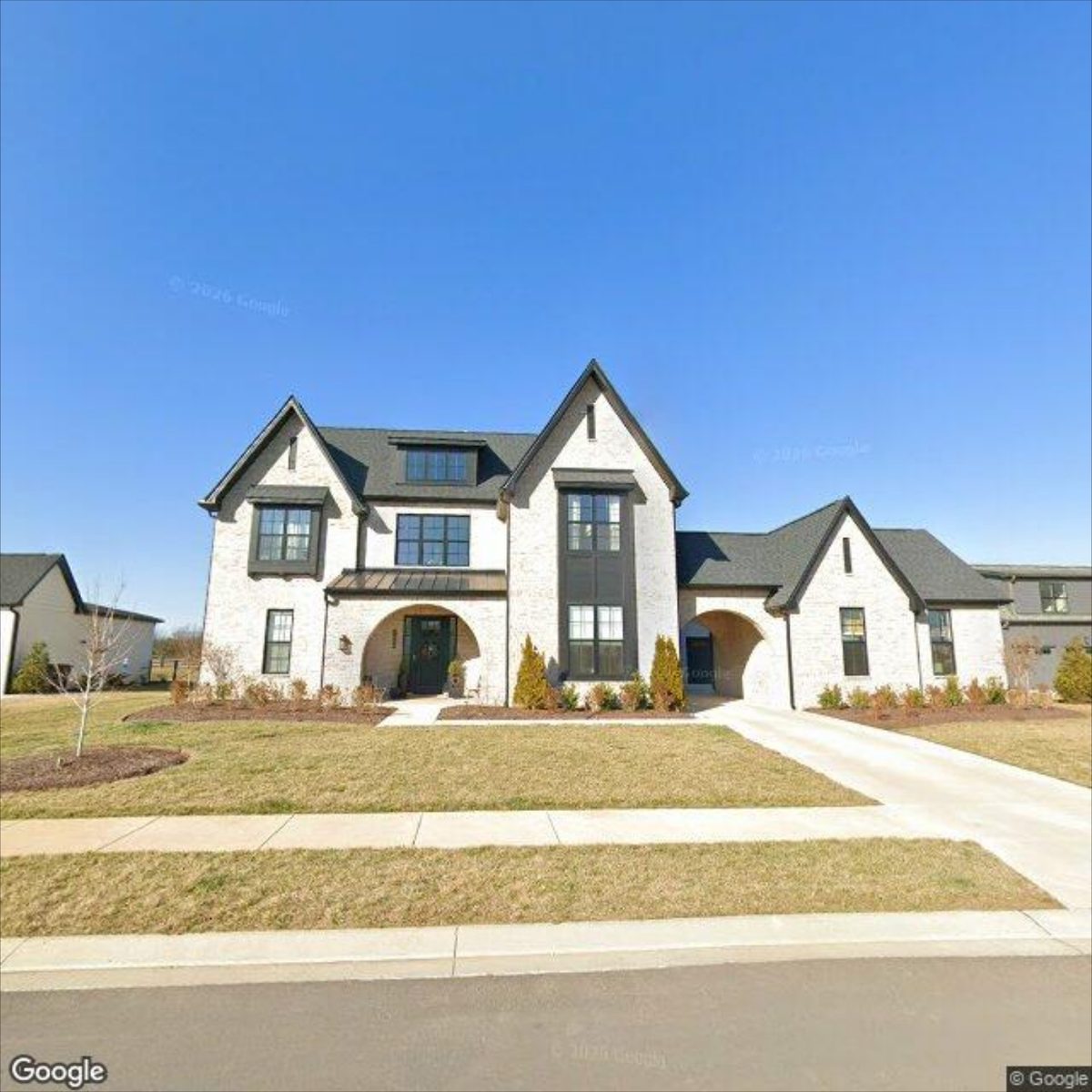
Drop, paste or upload a photo of the house. No photo yet? Open the address on Google Street View or Zillow and copy one.
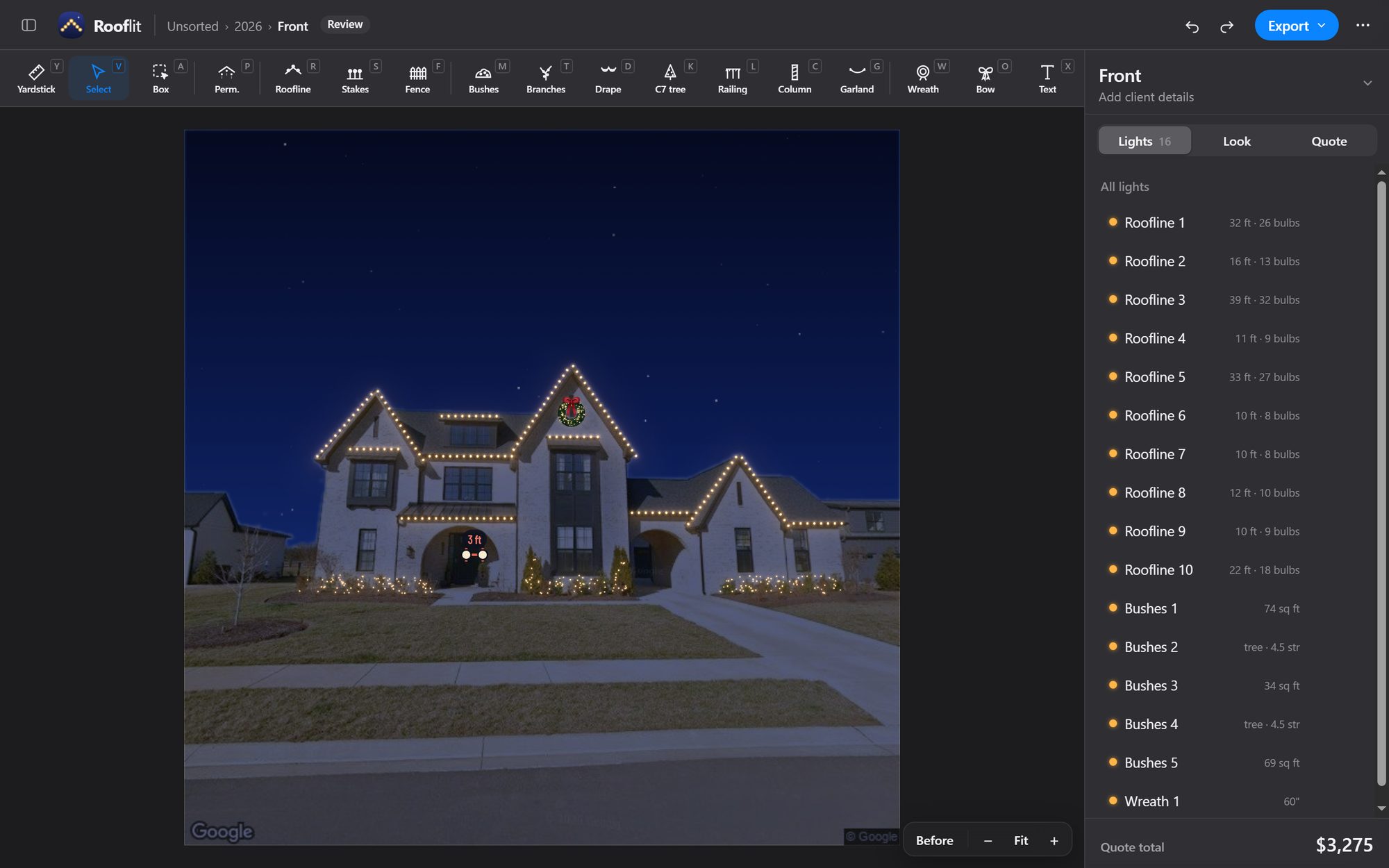
Drag the yardstick across the front door. Rooflit measures everything else from it.
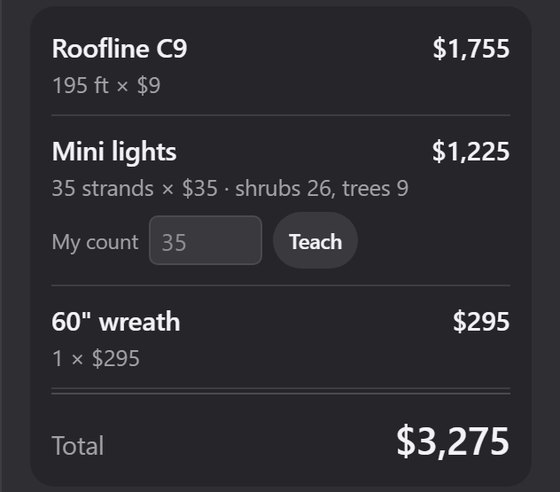
Click along the roofline, around the shrubs, up the columns. Footage, bulb counts and the price update as you go.
Download the mockup with your logo, every angle at once, or a before-and-after.
Features
Set your rates once. Every line on the quote comes from what you drew, so the number matches the picture.
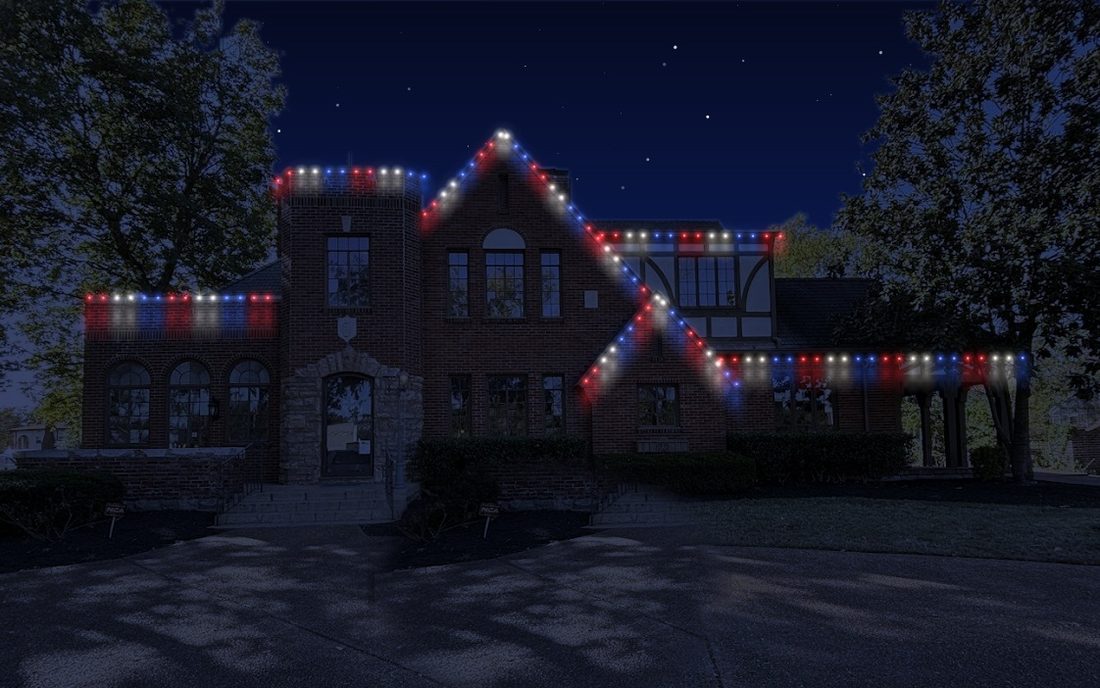
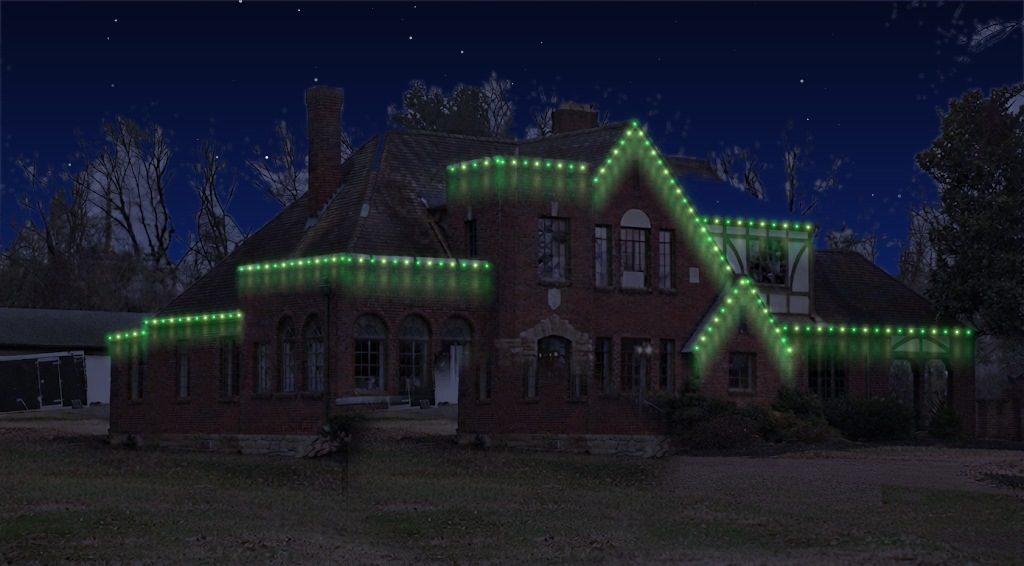
Warm white, classic multicolor, holiday sets and local team colors. Or build your own pattern bulb by bulb and see the strand before you draw it.
One yardstick on the front door sets the scale. On big or angled homes, add a second or third on the far wings; each light measures from the nearest one.
Every tool
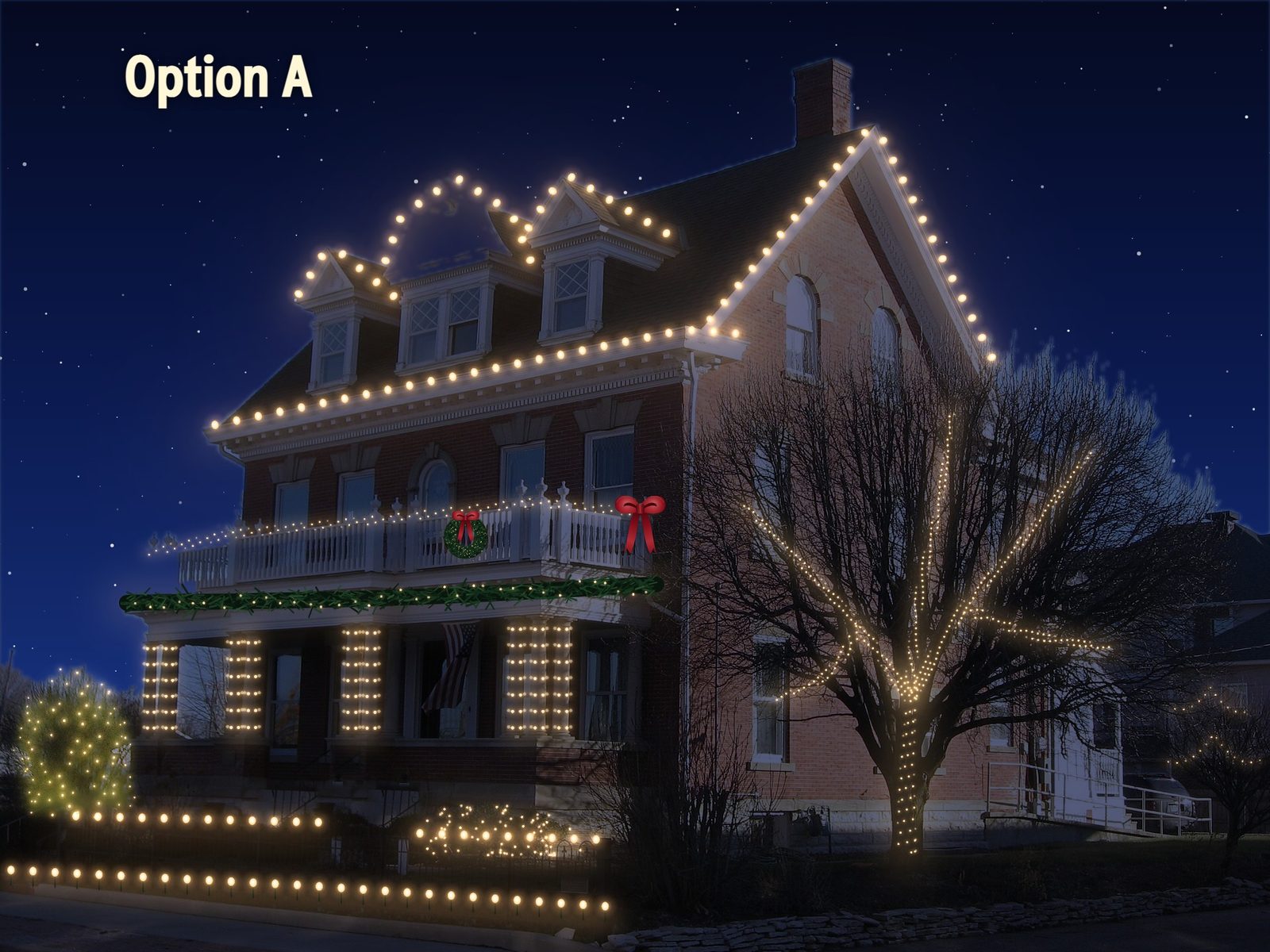
One photo, every lighting tool in Rooflit. Each is drawn in a few clicks, measured from the yardstick and priced on the quote.
Click along the roof edge, a point at each corner and peak. C9s follow every gable and dormer.
Per foot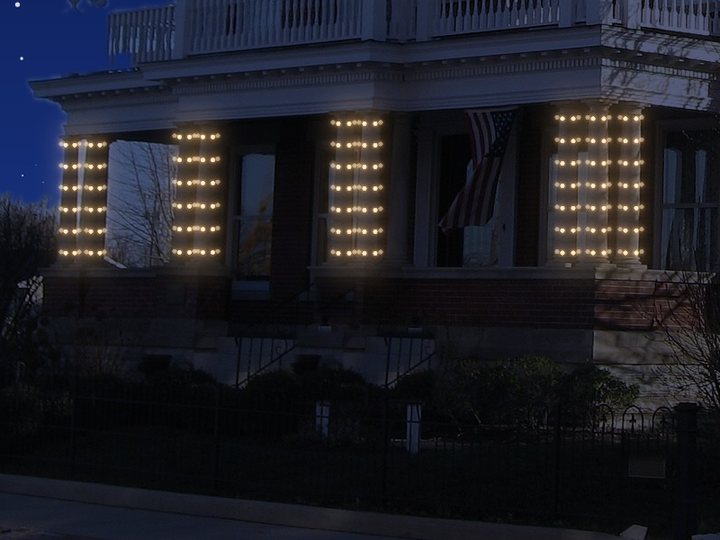
Drag up a column or post. Minis spiral around it at the spacing you set.
Per strand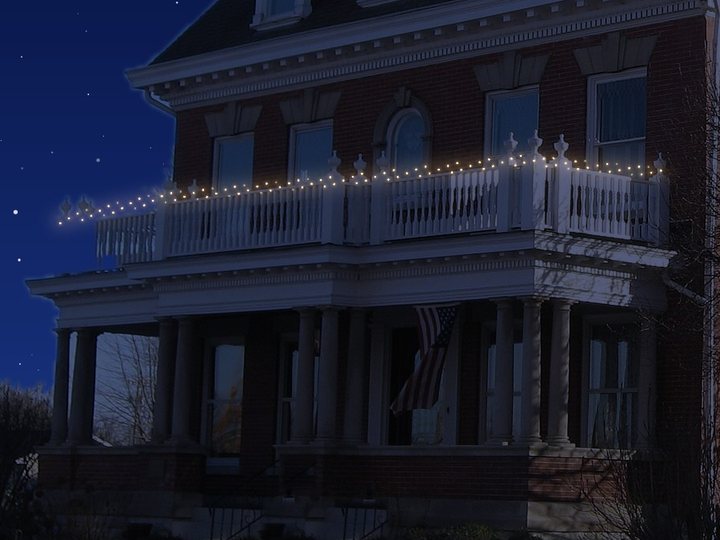
Click along a railing and minis wrap it end to end.
Per strand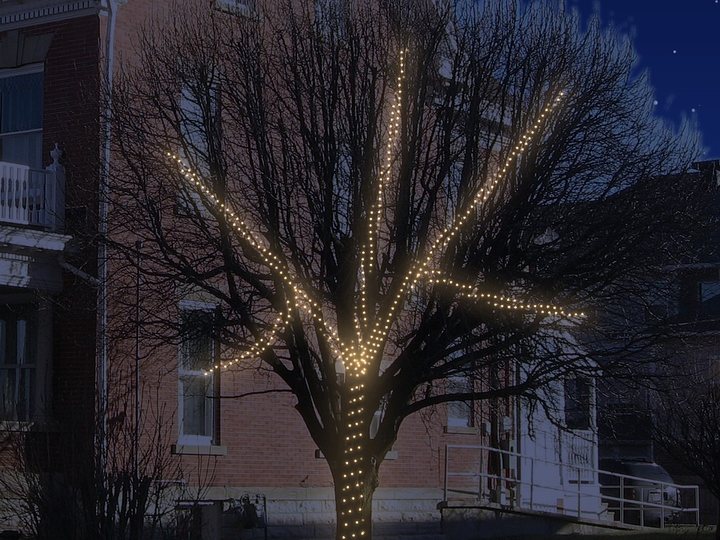
Trace the trunk, then each limb. Lights wrap every branch you draw.
Per strand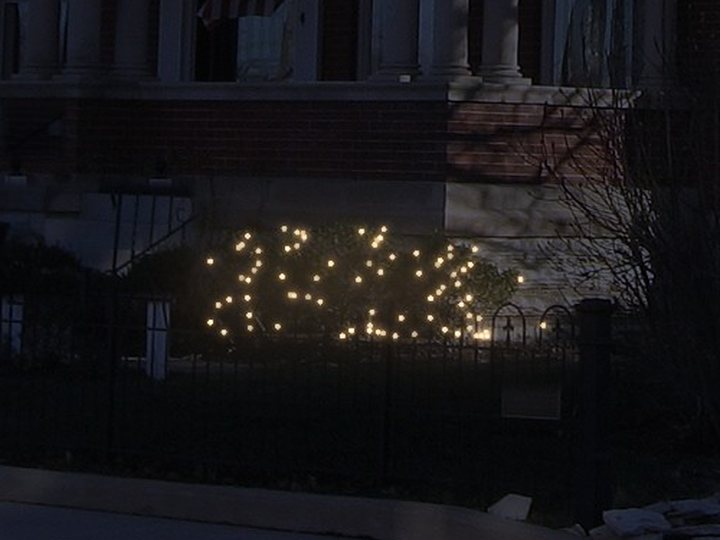
Draw around a shrub or bed. It fills with minis, and strands come from the area.
Per strand
Measure the tree from base to top, then circle it. C7s wrap it at your spacing.
Per foot of height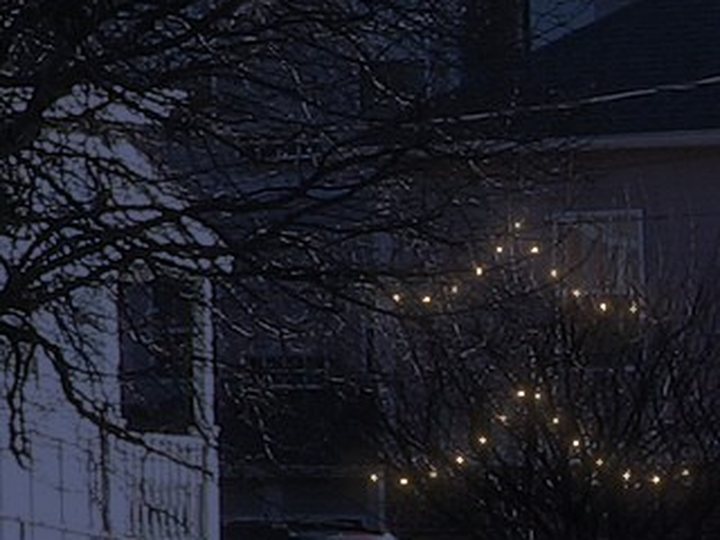
Click points across a tree. Minis swag between them.
Per strand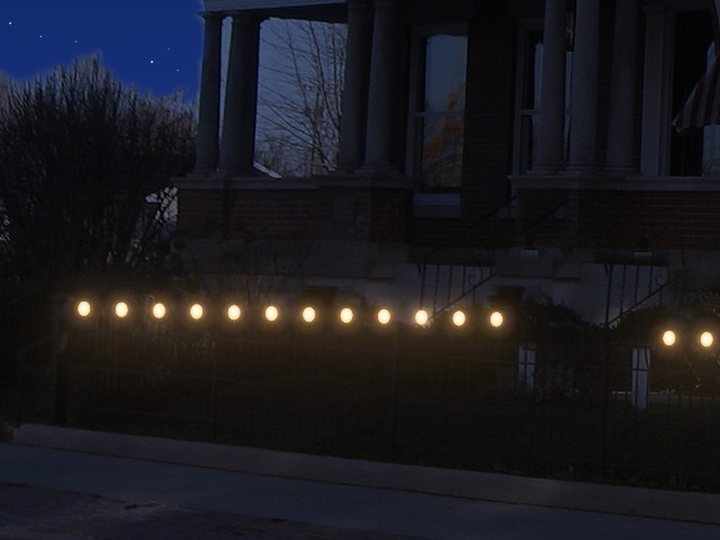
Click along the fence. C9 or C7, straight or draped.
Per foot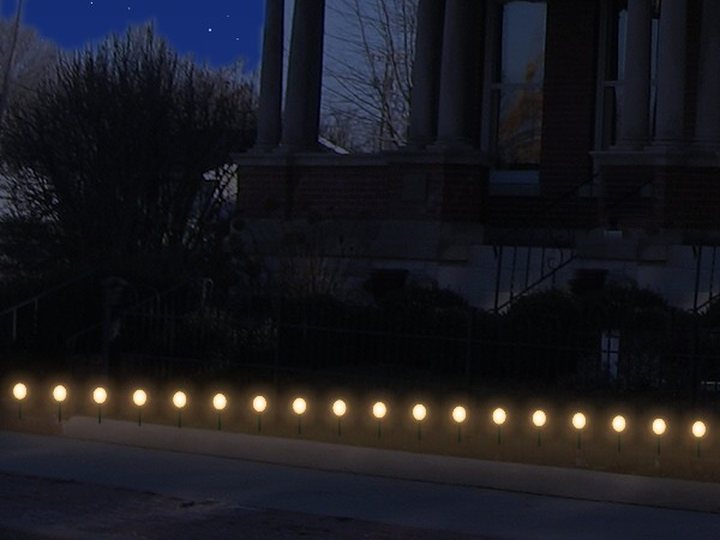
Click along a walk, drive or bed for C9s on stakes.
Per foot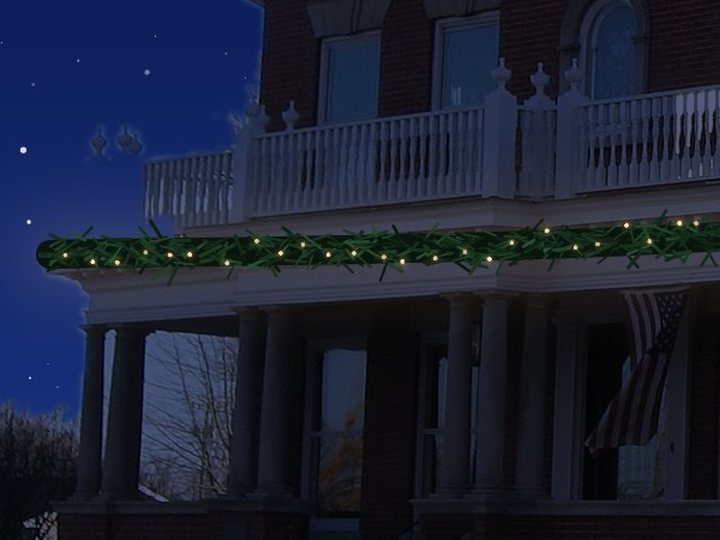
Click along a porch, railing or doorway. Lit or unlit.
Your price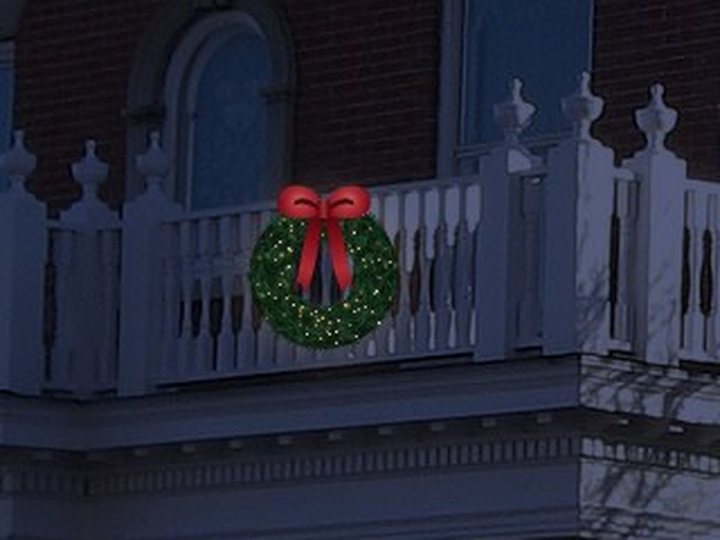
Click to place it, then set the size in inches.
Each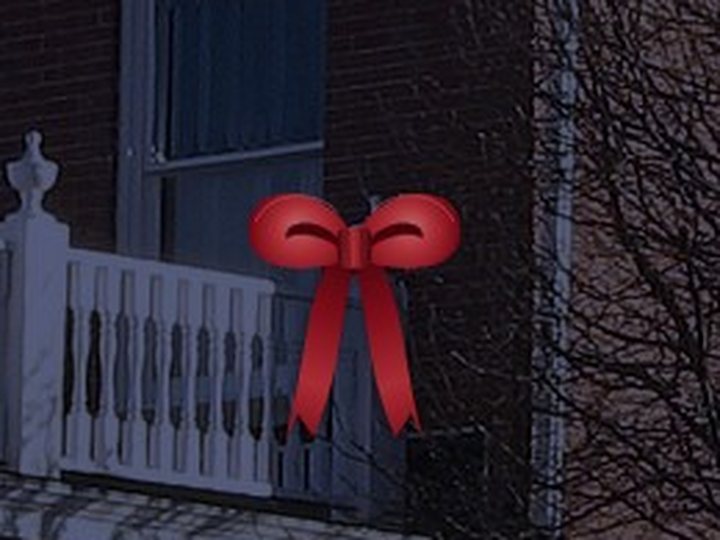
Click to place a bow, sized in inches.
EachDrag across the front door to set the scale. Add a second or third on far wings; each light measures from the nearest one.
Move lights or their points. Drag a box to select many, then recolor, move or delete them together.
Label options or add a note on the image, like "Option A".
Name a product, choose how it's drawn and priced, and it gets its own button and quote line.
Permanent lights
Draw the run under the roof edge once, then show the homeowner how it looks for every holiday they'd use it.
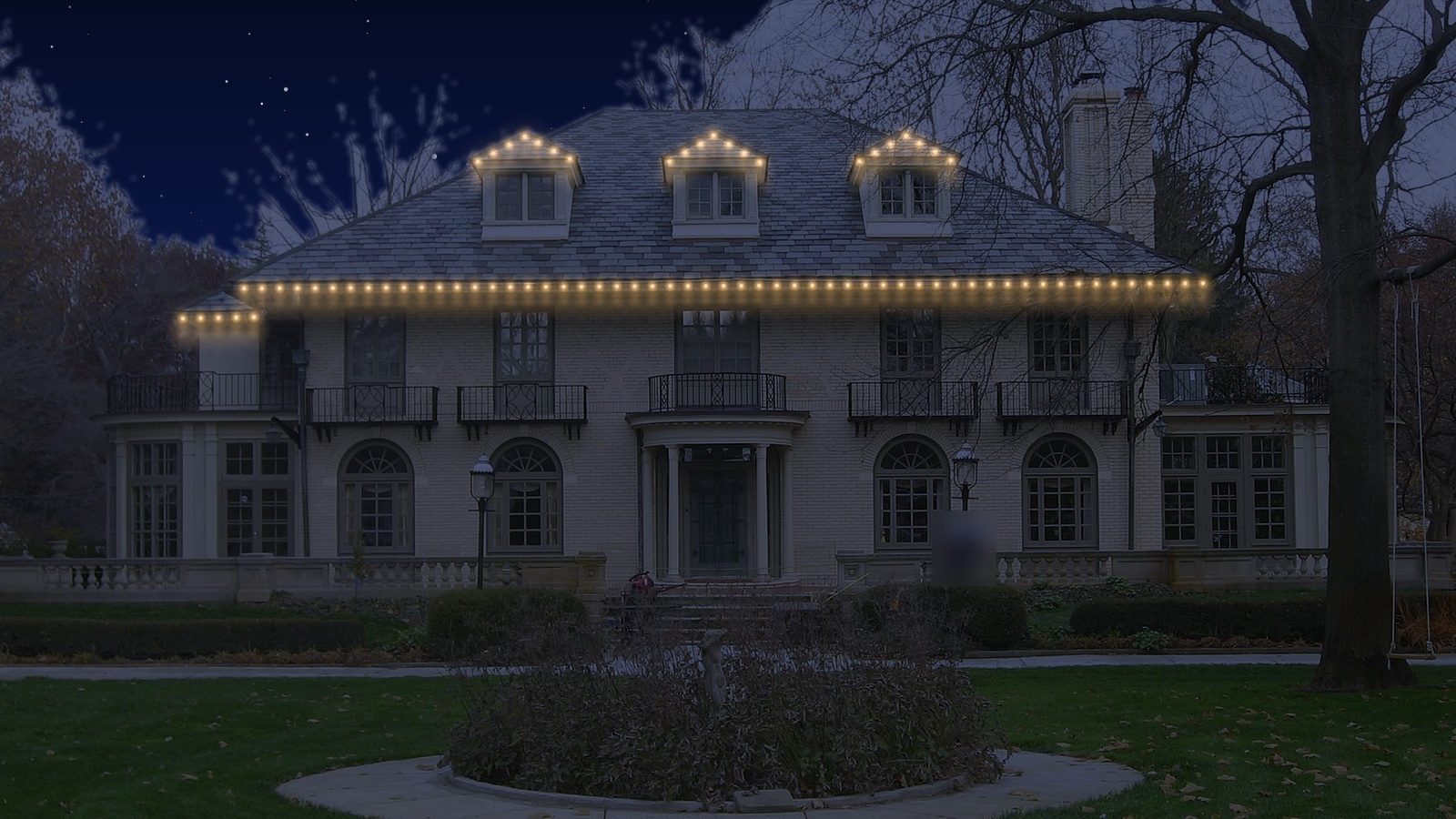
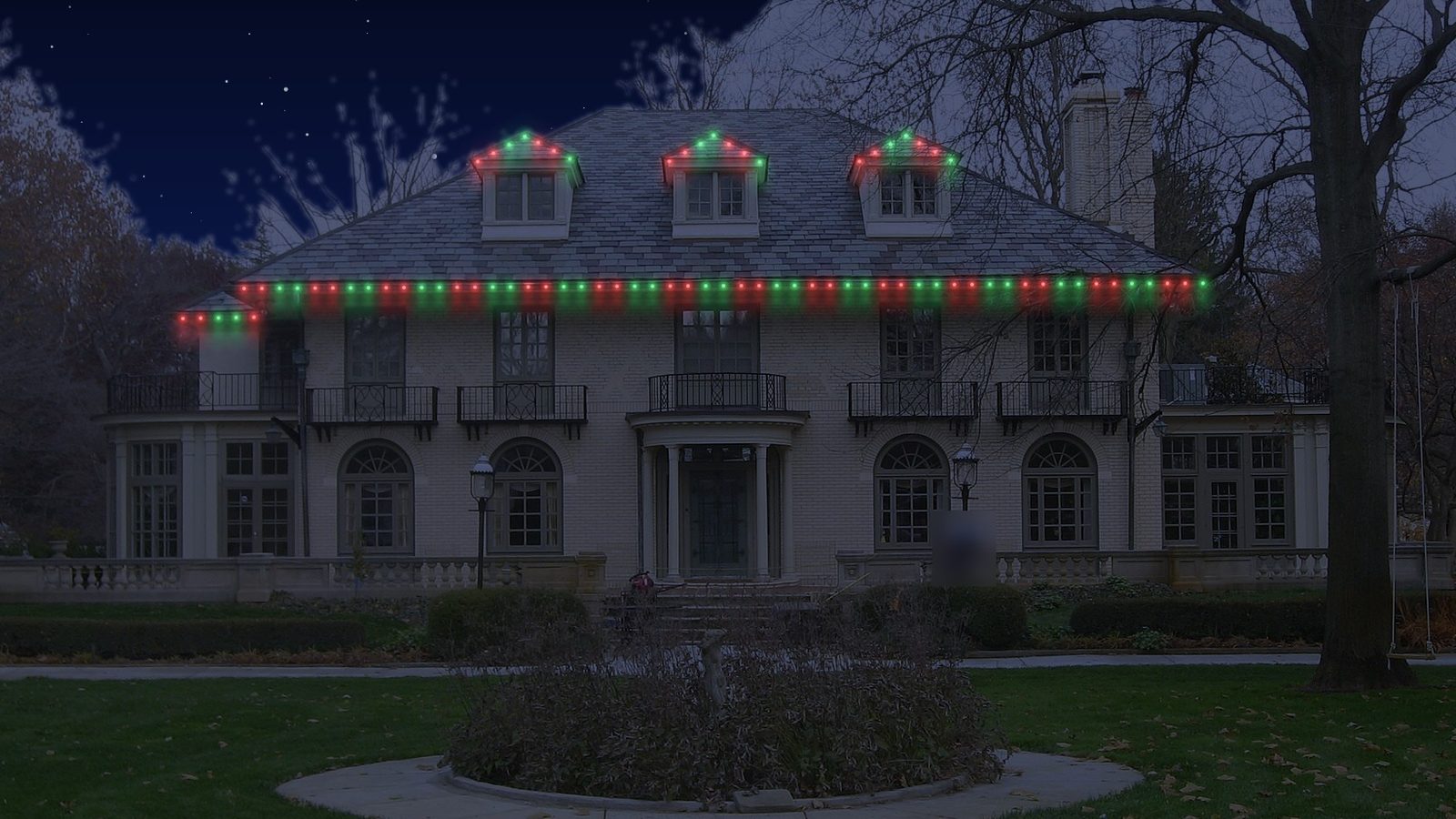
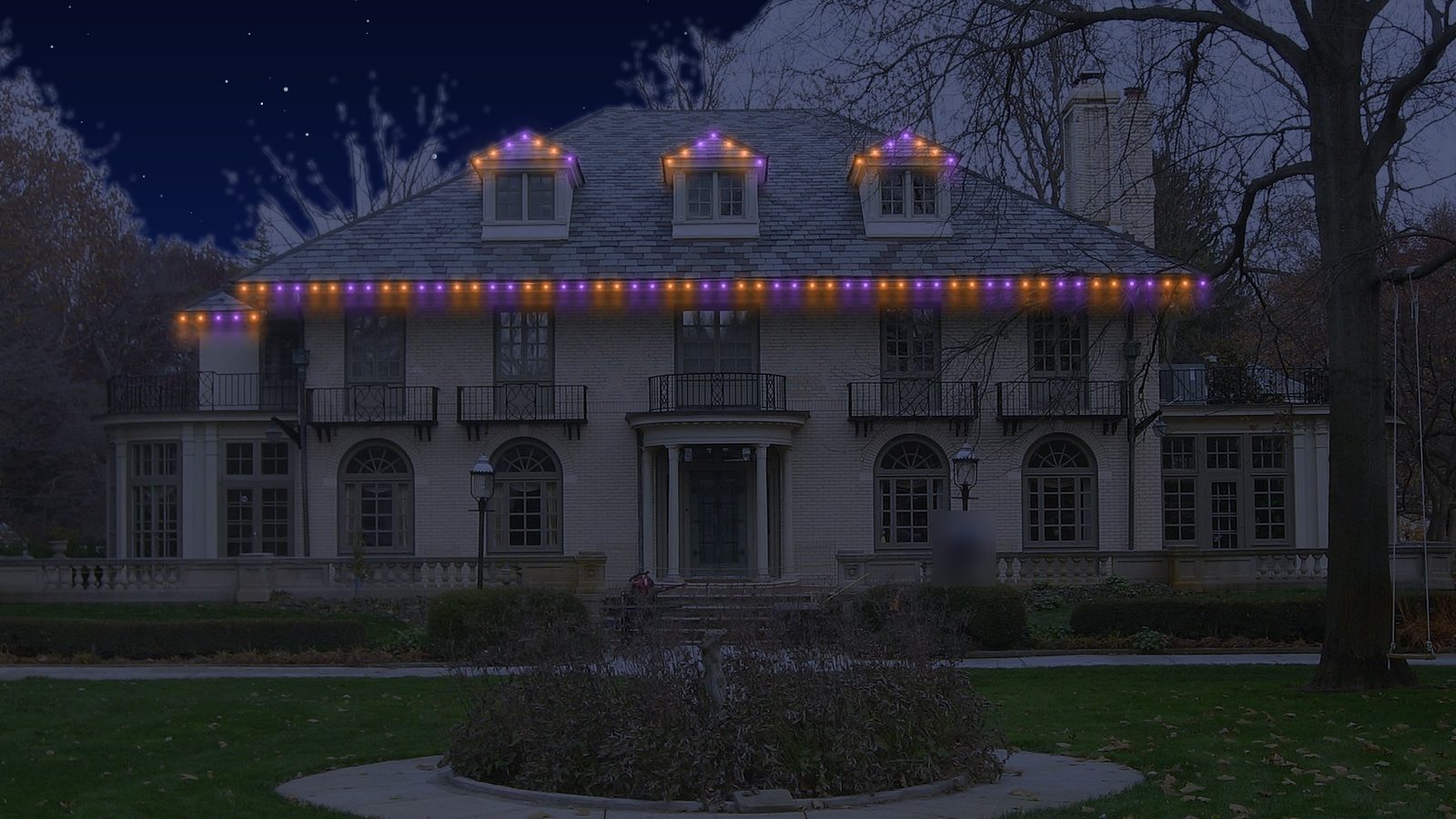
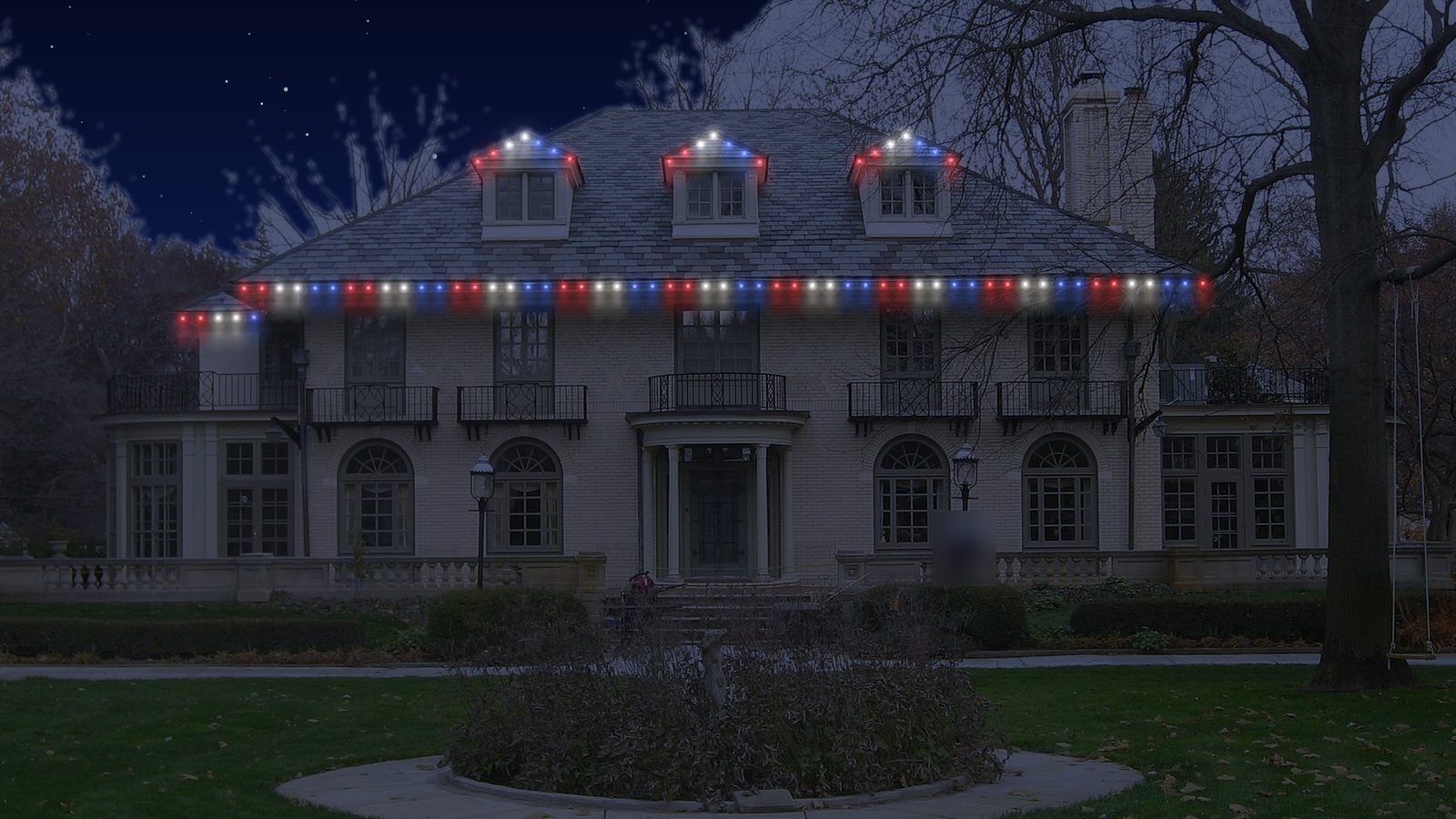
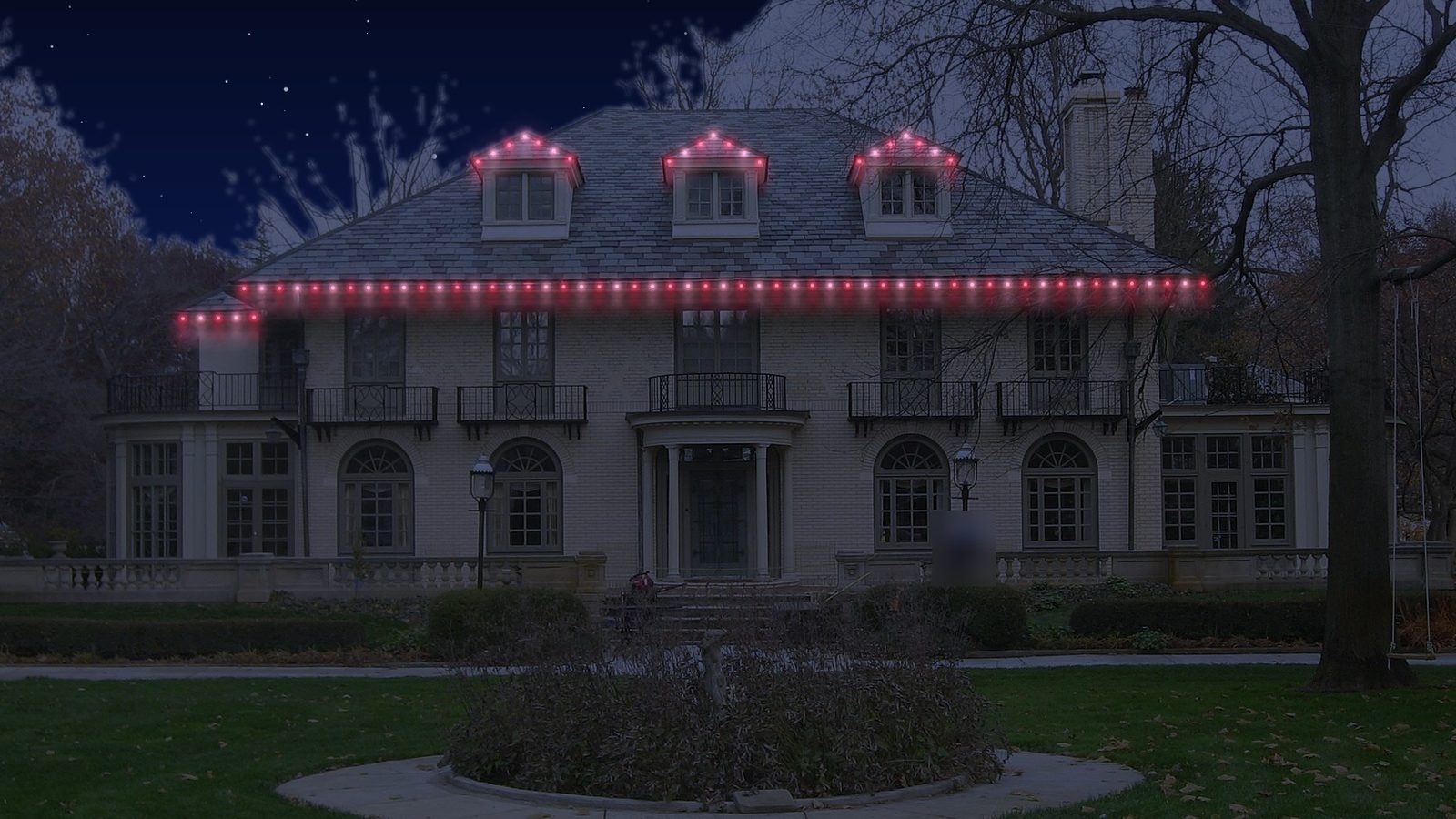
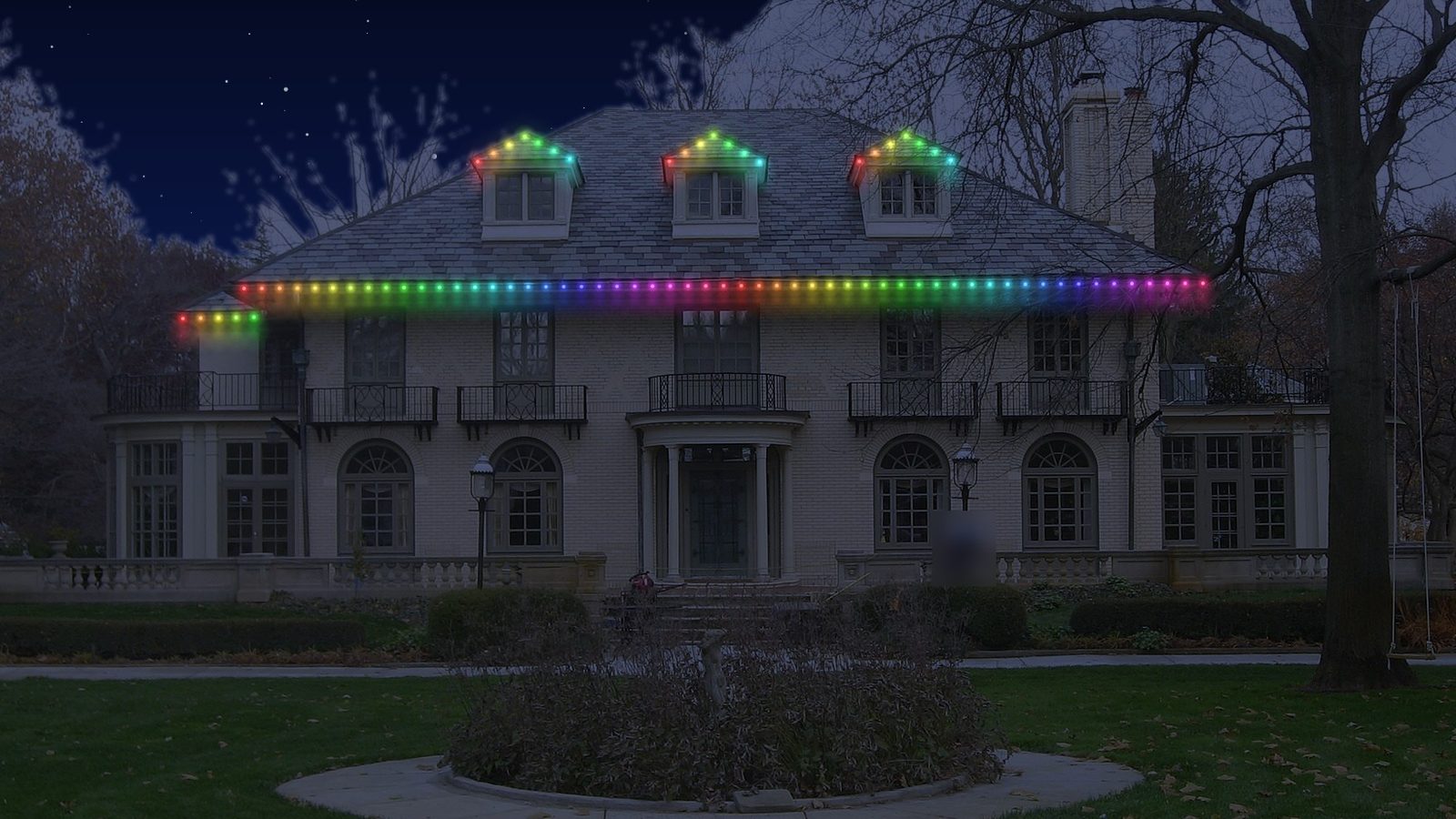
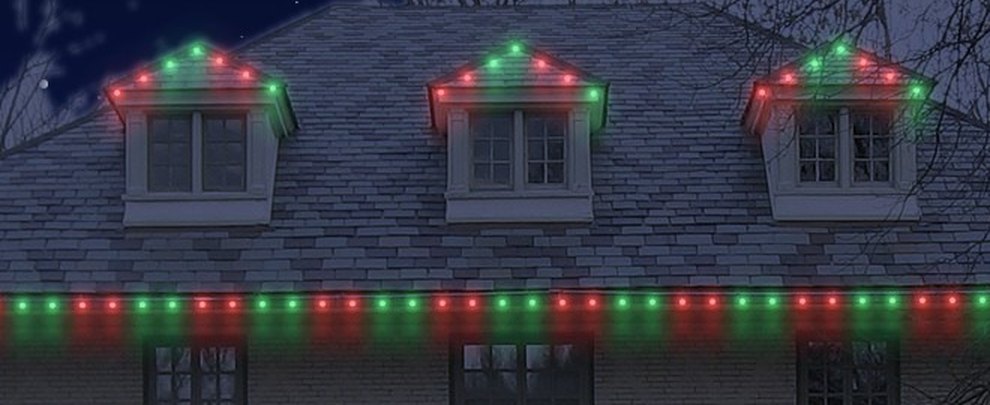
Warm, soft and cool white, holiday sets, and local team colors for your state.
Build a pattern bulb by bulb and set how many pods share each color.
Play chase, twinkle or breathe right on the photo before you send it.
Switch any C9 roofline to permanent lights, or make a permanent-lights version of a whole option to quote both.
Your permanent rate, with footage measured from the yardstick.
Examples
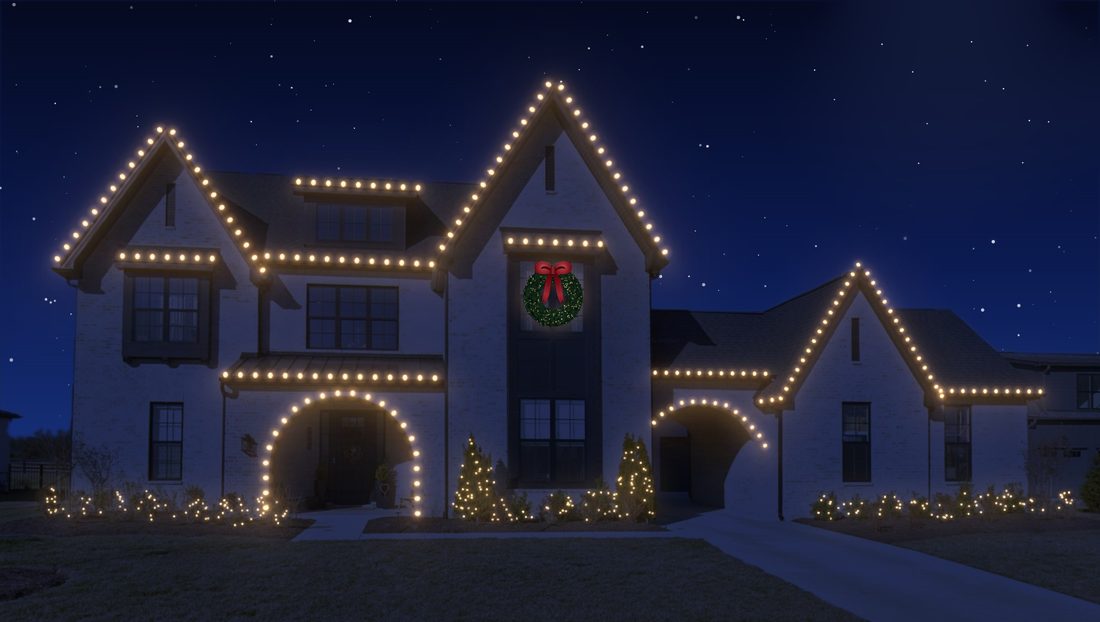
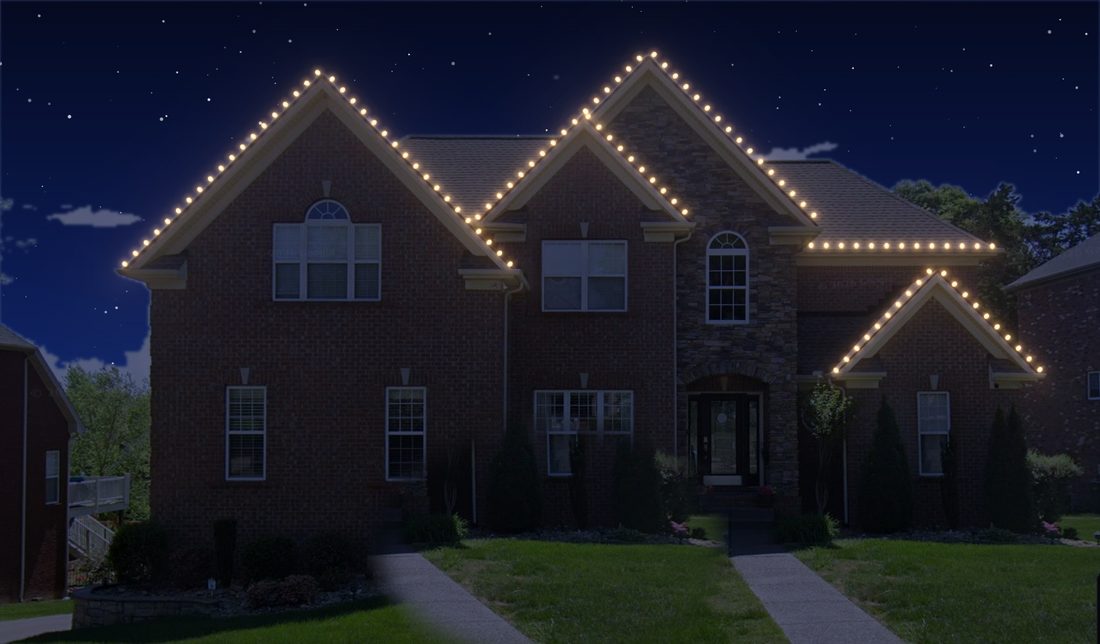
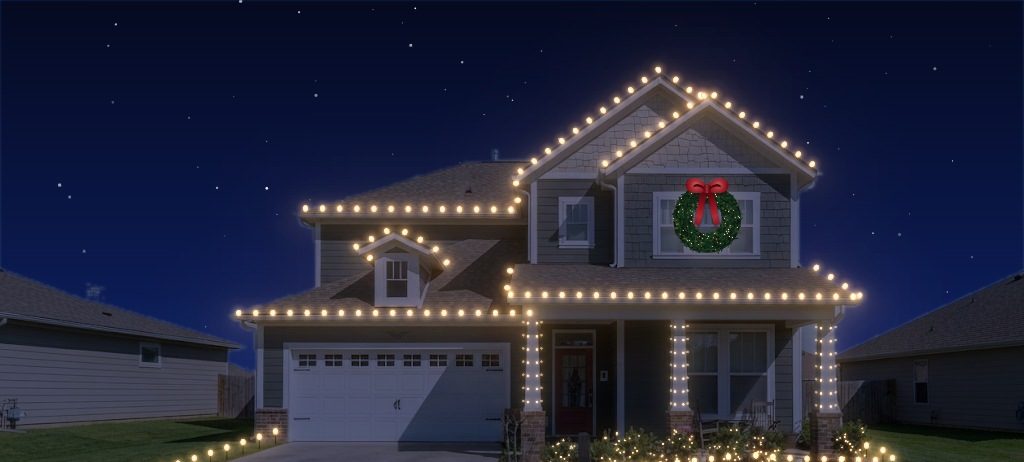
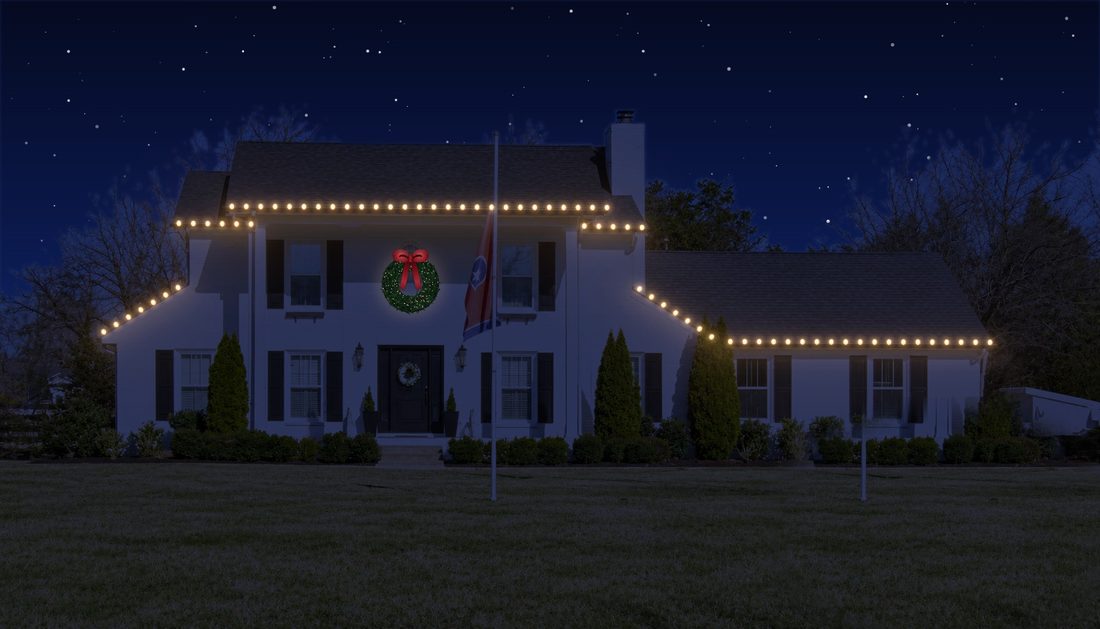
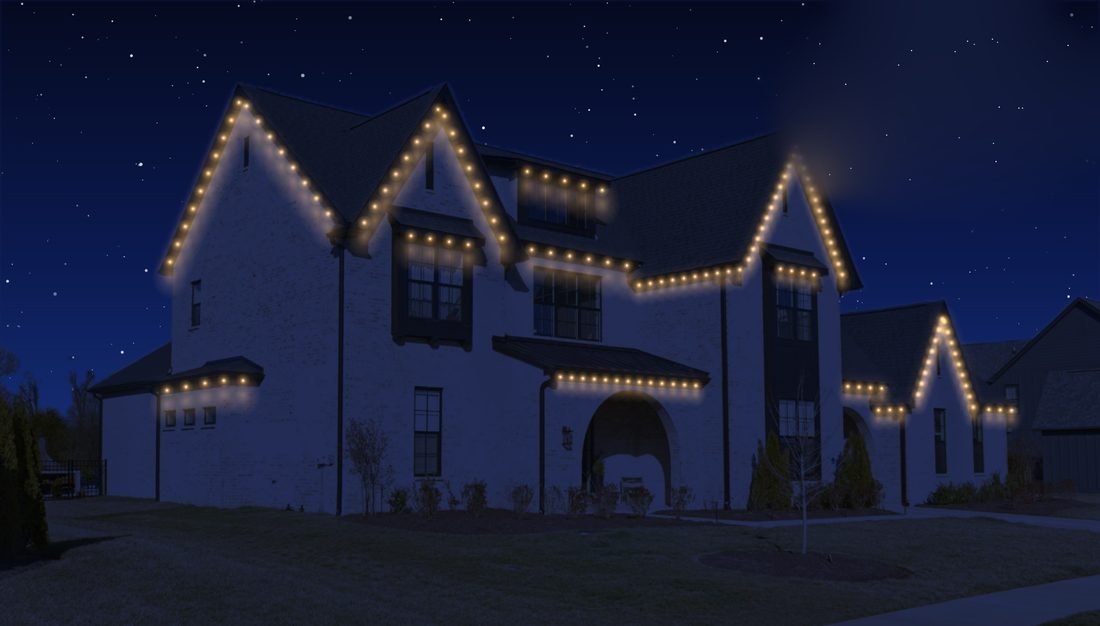
Included
Pricing
Try everything free for 7 days. No card needed to start.
FAQ
No. Sign up with your company name and email and use everything for 7 days.
You pick monthly or yearly to keep going. Your clients, photos and mockups stay saved.
Your own photos, a listing photo, or Google Street View. Paste or drop them in; you can add as many angles of one house as you like.
You drag the yardstick across the front door, which counts as 3 feet, and everything is measured from it. For wings that are closer or farther away, add another yardstick there and each light uses the nearest one.
It's an estimate from the photo, close enough to quote from. Walk the job before you order lights, as you would today.
Yes. Your logo goes on every download and the quote uses your rates. New accounts start with no prices; Rooflit asks for each one the first time you use that light.
Yes. Add your own item, choose how it's drawn and priced (per foot, per square foot or each), and it gets its own button and quote line.
Yes. Draw the run under the roof edge and pick a preset look or build your own color pattern.
Your account works on any computer you sign in on. Separate logins for each person on your team are coming.
Only your account. Each company's clients, photos and mockups are stored separately.
It's built for a computer or laptop, where drawing is precise. You can open and check designs on a phone.
Yes, anytime, from Settings › Plan & billing.